What Is SEO and How Does It Work? Complete Guide 2026
Written by
Xpro Digitals
Published on
August 31, 2026
Read Time
Table of Contents
ToggleWhat Is SEO and How Does It Work? The Complete Guide for 2026
Introduction
You hear the word SEO constantly. Your competitor’s website appears at the top of Google every time you search for something relevant to your industry. Your website does not appear at all. You have tried posting on social media and paying for ads, but neither feels sustainable. A friend tells you to “just do SEO“, but nobody explains what that actually means or where to start.
This is the starting point for almost every business owner who eventually invests in organic search. The frustration is real: SEO is mentioned everywhere but rarely explained clearly to people who have not spent years working in digital marketing. Articles either go too deep into technical detail or stay so surface-level that you finish reading no closer to understanding than when you started.
This guide fixes that. It is written for business owners, marketers, and anyone who wants to understand what SEO is, how it actually works behind the scenes, what the three main types of SEO cover, and how you can use it to grow your website’s visibility on Google. Everything here is grounded in current Google guidelines and practical experience from managing SEO across industries.
What You Will Learn: A clear definition of SEO, how Google crawls and ranks pages, the three types of SEO with specific examples, what SEO takes in terms of time and cost, real case study evidence, and a step-by-step starting point for any website.
What Is SEO? A Clear, Simple Definition
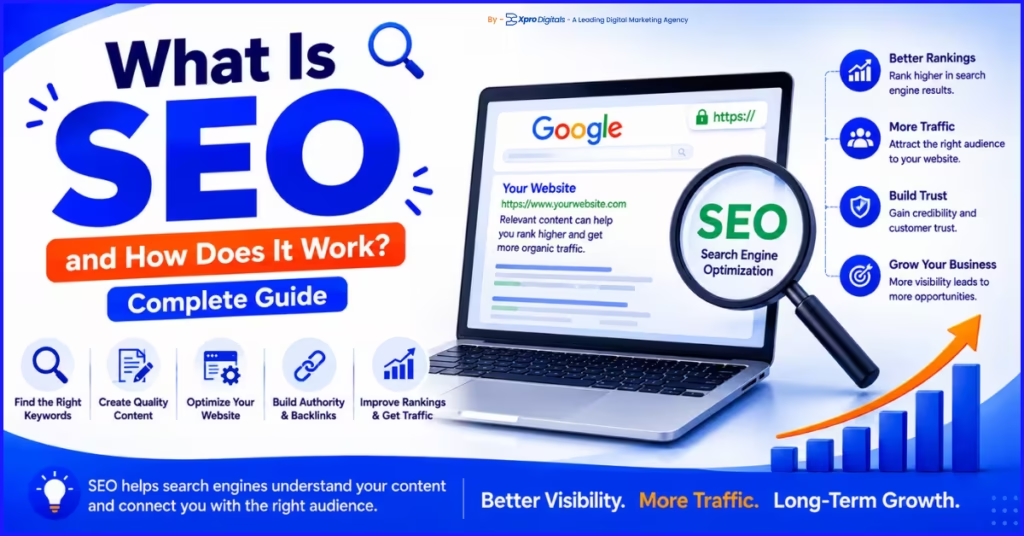
| SEO stands for Search Engine Optimization. It is the process of improving your website so that it appears higher in the organic (unpaid) results of search engines like Google, Bing, and Yahoo. When someone types a question or phrase into Google, SEO is what determines which websites appear on the first page and in what order. |
The word “organic” is important here. Organic search results are not paid for. They are not advertisements. They appear because Google has determined that these pages best answer the user’s search query. SEO is the process of making your pages as relevant, trustworthy, and technically sound as possible so Google chooses them over competitor pages.
SEO is not a one-time task. It is an ongoing strategy that compounds over time. A page optimized well today can continue generating free traffic for months or years. This is what makes SEO one of the highest-return long-term investments in digital marketing.
Simple Definition: SEO = making your website easier for Google to find, understand, and trust, so it shows your pages to people searching for what you offer.
How Search Engines Work: Crawling, Indexing, and Ranking
To understand SEO, you first need to understand what Google actually does when someone performs a search. Google does not search the internet live each time someone types a query. Instead, it maintains a massive index of pages it has already visited and catalogued. SEO is about making sure your pages are in that index and positioned favourably within it.
Google uses three processes to build and maintain its index: crawling, indexing, and ranking. Each stage presents specific opportunities to improve how your website is treated.
Stage 1: Crawling
Googlebot is Google’s automated web crawler, a programme that visits websites and follows links from page to page across the internet. Think of it as an extremely fast reader that visits billions of pages continuously, discovering new content and revisiting existing pages to check for updates.
Crawling problems occur when Googlebot cannot access your pages. This can happen if your robots.txt file blocks crawling, if your pages are not linked from anywhere on your site (known as orphan pages), if your site loads too slowly, or if too many server errors are returned during the crawl.
The volume of pages Googlebot crawls on your site is called your crawl budget. Large sites with thousands of pages need to manage crawl budgets carefully to ensure important pages are crawled frequently. Small business websites typically do not need to worry about crawl budgets unless they have significant technical issues.
Stage 2: Indexing
After crawling a page, Google decides whether to add it to its index. Indexing is the process of analysing the page’s content, headings, images, links, and metadata, then storing a representation of that page in Google’s database. Not every crawled page gets indexed. Google skips pages it considers low quality, duplicate, or not useful to searchers.
Your page must be indexed before it can rank for anything. Check whether your pages are indexed by searching Google for “site:yourdomain.com“. If your pages do not appear, they are either not crawled or not indexed, which is the first problem to fix before any other SEO work matters.
Common reasons pages are not indexed include the no-index tag in the page’s HTML, thin or duplicate content, pages blocked in robots.txt, and manual indexing exclusions set in Google Search Console. Google Search Console is a free tool that shows exactly which of your pages are indexed and flags any crawling or indexing errors.
Stage 3: Ranking
Ranking is the process Google uses to determine the order of indexed pages for any given search query. Google uses over 200 confirmed ranking signals to make this determination. These include the relevance of your content to the search query, the authority of your website based on links from other sites, the quality of the user experience your page provides, and the freshness of your content for time-sensitive topics.
Ranking is not static. Your page may rank in position 3 today and position 7 next month if a competitor publishes stronger content or earns more backlinks. Maintaining and improving rankings requires ongoing SEO work, not a one-time Optimization sprint.
Why SEO Matters for Your Business
Google processes approximately 8.5 billion searches per day globally. The majority of clicks on any search results page go to organic results, not paid ads. Studies by SparkToro and Advanced Web Ranking consistently show that the first organic result receives between 25 and 40 percent of all clicks for a given query. Positions 2 and 3 receive 15 and 10 percent respectively. Results on page two receive less than 1 percent of clicks.
This click distribution means that businesses ranking on page one of Google for relevant keywords receive a disproportionate share of the available traffic in their market. Businesses on page two or beyond receive almost nothing from organic search. The gap between page one and page two is not small. It is the difference between a meaningful source of revenue and essentially zero organic search traffic.
SEO also compounds in a way that paid advertising does not. A Google Ad stops generating traffic the moment you stop paying. A page that ranks organically continues generating traffic without ongoing per-click cost. Over 12 to 24 months, well-executed SEO typically becomes the most cost-efficient customer acquisition channel for established businesses.
For a detailed analysis of how SEO affects business revenue and growth metrics, read our guide on how SEO can impact your business and website.
The Three Types of SEO Explained
SEO is not a single activity. It is a combination of three distinct disciplines that work together to improve a website’s search visibility. Understanding each type helps you know what needs to be done and in what order.
Type 1: On-Page SEO
On-page SEO refers to everything you do directly on a web page to help Google understand what it is about and to make it genuinely useful to the person reading it. It is entirely within your control and is the correct starting point for any SEO strategy.
The most important on-page SEO elements are the title tag (the clickable headline in search results), the H1 heading (the main visible heading on the page), the content itself (how thoroughly and accurately it answers the search query), internal links (connections from this page to other relevant pages on your site), and the URL (which should be short and descriptive).
On-page SEO also includes image alt text (a text description that tells Google what an image shows), meta descriptions (the summary text under your page title in search results), and schema markup (structured data code that helps Google understand the type of content on the page, such as a recipe, a product, or a FAQ).
| On-Page Element | What It Does | Priority Level |
| Title tag | Signals the page topic to Google; appears as the clickable SERP headline | Critical |
| H1 heading | Primary on-page heading; should include the main keyword once | Critical |
| Content quality and depth | Google rewards content that genuinely answers the search intent fully | Critical |
| URL structure | Short, descriptive URLs with keywords perform better than long or generic ones | High |
| H2 and H3 subheadings | Organise content structure; include secondary and semantic keywords naturally | High |
| Internal links | Connect related pages; distribute ranking authority across the site | High |
| Image alt text | Describes images for Google; supports image search ranking | Medium |
| Meta description | Summary in SERPs; affects click-through rate but not direct rankings | Medium |
| Schema markup | Structured data enabling rich results like star ratings, FAQ boxes, and prices | Medium-High |
| Keyword placement | Primary keyword naturally placed in title, H1, opening paragraph, and body | Critical |
For a complete on-page implementation guide, read our article on on-page and off-page SEO, which covers every element with step-by-step implementation guidance.
Type 2: Off-Page SEO
Off-page SEO refers to everything that happens outside your own website that influences how Google perceives your site’s authority and trustworthiness. The most important off-page signal is backlinks (which are links from other websites pointing to your pages). Each backlink from a reputable, relevant website acts as a vote of confidence in your content.
Not all backlinks carry equal weight. A single link from a highly respected industry publication can carry more ranking power than 100 links from low-quality directories. Google evaluates links based on the authority of the linking site, the relevance of the linking page to your content, the anchor text (the clickable words used in the link), and whether the link is editorially placed within real content.
Off-page SEO also includes brand signals (how often your brand name is mentioned online), local citations (consistent business name, address, and phone number listings across directories for local businesses), and social media presence as a brand signal, though not a direct ranking factor.
To understand the difference between ethical and harmful link-building approaches, read our guide on white hat vs black hat SEO, which explains which practices Google rewards and which it penalises.
Type 3: Technical SEO
Technical SEO refers to the infrastructure of your website, the underlying systems and settings that allow Google to crawl, index, and render your pages correctly. Technical SEO issues often go unnoticed because they are invisible to the human eye but can severely limit how well any on-page or off-page Optimization performs.
Core technical SEO areas include Site Speed and Core Web Vitals (how fast your pages load and how stable they are visually during load), mobile Optimization (since Google uses the mobile version of your site as its primary ranking basis), HTTPS security (a confirmed ranking signal), proper use of canonical tags (to prevent duplicate content issues), XML sitemaps (to help Google discover all your pages), and structured redirect management (to preserve ranking signals when pages move or are removed).
| Technical SEO Area | Problem It Solves | Tool to Check It |
| Core Web Vitals (LCP, CLS, INP) | Slow or unstable pages rank lower in competitive results | Google PageSpeed Insights, Search Console |
| Mobile Optimization | Google ranks based on mobile version; poor mobile = poor rankings | Google Mobile-Friendly Test |
| HTTPS and site security | Non-HTTPS sites are flagged as insecure; confirmed ranking signal | Browser address bar, SSL checker |
| XML sitemap | Helps Google discover all pages, especially on large sites | Google Search Console Coverage report |
| Robots.txt | Incorrectly blocking pages prevents indexing | Google Search Console URL Inspection |
| Canonical tags | Prevents duplicate content from splitting ranking signals across similar pages | Screaming Frog, Google Search Console |
| Site architecture and internal links | Orphan pages are not crawled; poor structure limits link equity distribution | Screaming Frog, Ahrefs Site Audit |
| Page speed and server response time | Slow servers increase crawl time and reduce crawl frequency | GTmetrix, PageSpeed Insights |
For a technical and on-page SEO comparison that shows where each discipline begins and ends, see our guide on technical SEO vs on-page SEO.
How Google Decides Which Pages Rank First
Google has confirmed over 200 ranking signals that contribute to page ranking decisions. While the exact algorithm is not published, Google’s own documentation, patent filings, and consistent experimental evidence from the SEO community have identified the most influential factors. Understanding these helps you prioritise your SEO work effectively.
Relevance: Does Your Page Match the Search Intent?
Relevance is the most fundamental ranking requirement. If a user searches “how to fix a leaking tap” and your page is about kitchen design, no amount of backlinks will rank it for that query. Google uses Natural Language Processing to understand what a search query means and what type of content would best satisfy it. Your page must match the intent behind the query, not just contain the keywords.
Search intent falls into four categories:
- Informational intent is when users want to learn something (“what is SEO“).
- Navigational intent is when users want to reach a specific website (“Google Analytics login“).
- Commercial intent is when users are comparing options (“best SEO tools“).
- Transactional intent is when users are ready to act (“hire SEO agency“).
Your content type and format must match the dominant intent for your target keyword.
Authority: Is Your Website Trusted?
Authority is Google’s assessment of how trusted and respected your website is within its topic area. Authority is built primarily through backlinks from other respected websites. A website with many high-quality, relevant backlinks pointing to it has higher domain authority than a website with few links or links from low-quality sources.
Authority also includes E-E-A-T signals: Experience, Expertise, Authoritativeness, and Trustworthiness. Google uses E-E-A-T to evaluate the quality of content creators, particularly on topics that affect health, finances, safety, or legal decisions. Demonstrating real expertise through content, author credentials, and third-party endorsements strengthens E-E-A-T and improves ranking potential on competitive queries.
For a deeper understanding of E-E-A-T and how it affects your rankings, read our guide on E-E-A-T and why it matters for your rankings.
Page Experience: Is Your Website Good to Use?
Google confirmed page experience as a ranking factor through its Page Experience update and Core Web Vitals initiative. These signals measure how users experience your page in practice, not just how it looks.
- Largest Contentful Paint (LCP) measures how fast the main content loads.
- Cumulative Layout Shift (CLS) measures visual stability as the page loads.
- Interaction to Next Paint (INP) measures how quickly the page responds to user clicks.
Additional page experience signals include HTTPS security, mobile friendliness, and absence of intrusive interstitials (pop-ups that block content on mobile). Pages that perform well across all these signals rank better in competitive results than pages with equivalent content and authority but poor user experience.
What Are Keywords and How Do They Work in SEO?
Keywords are the words and phrases that people type into search engines. In SEO, keyword research is the process of identifying which search terms your target audience uses, how many people search for them each month (search volume), how competitive they are (keyword difficulty), and what type of content would best satisfy the search intent behind them.
Keywords fall into three broad categories. Short-tail keywords are one to two words (“SEO tips”, “plumber London”). They have high search volume but high competition. Long-tail keywords are three or more words (“best SEO tips for small business”, “emergency plumber London weekend”). They have lower individual search volume but convert better because the intent is more specific. Semantic keywords are related terms and phrases that naturally appear in content about a topic, helping Google confirm topical depth.
How to Choose Keywords for Your Website
1.Start with your core service or product. Write down the 5 to 10 terms a customer would type to find what you offer.
2.Run each term through Google Keyword Planner (free) or Ahrefs/Semrush (paid) to find monthly search volume.
3.Check the keyword difficulty score. New websites should target low-difficulty terms first to build early rankings and traffic.
4.Review the first-page results for each keyword. If results are dominated by major national brands, find a more specific variation.
5.Identify the search intent for each keyword. Create content in the format that matches that intent.
6.Assign one primary keyword per page. Do not target the same keyword on multiple pages, as this creates cannibalisation.
Effective keyword research is the foundation of every other SEO activity. If you target the wrong keywords, all of the content, technical work, and link building built on top of that research produces weaker results than the effort deserves.
Real Case Study: What SEO Delivered for a Professional Services Business
A chartered accountancy firm in Manchester had relied entirely on referrals and word-of-mouth for new client acquisition for 11 years. Their website existed but received fewer than 80 organic sessions per month and ranked for only 2 branded keywords. They approached Xpro Digitals wanting to understand whether SEO could generate genuine new client enquiries rather than just traffic.
Situation at the start:
- Website: 8 pages total, no blog, no service-specific landing pages.
- Organic traffic: 74 sessions per month.
- Keyword rankings: 2 branded terms only.
- Backlinks: 14 referring domains, all local directory listings.
- Google Business Profile: claimed but incomplete, 6 reviews.
What was done across 9 months:
- Keyword research identified 34 target keywords across services including “small business accountant Manchester”, “self-assessment tax return help”, and “VAT returns Manchester”.
- 8 new service pages built, each targeting a specific keyword cluster with locally relevant content, FAQ schema, and LocalBusiness structured data.
- A resource blog launched with 2 posts per month addressing common financial questions searched by local SMBs.
- Technical SEO: HTTPS confirmed, site speed improved from 6.2 seconds to 1.9 seconds on mobile, XML sitemap submitted.
- Google Business Profile completed: 6 new service categories, 22 photos, weekly posts, and a review acquisition campaign generating 41 new reviews.
- Off-page: 3 guest posts on local business publications earned 6 new relevant referring domains.
Results at 9 months:
- Organic sessions: up from 74 to 1,840 per month (2,386% increase).
- First-page keyword rankings: from 2 to 39.
- Inbound enquiries via website contact form: 0 to 14 per month.
- Google Business Profile calls: 0 tracked to 22 per month.
- New clients acquired through organic search: 7 in the final 3 months of the campaign.
Key Insight: This firm had never appeared in search results before. With no existing content, no domain authority, and a new SEO strategy, they achieved meaningful first-page rankings within 4 to 5 months for low to medium competition local keywords. The compounding nature of their blog content means the traffic trajectory continues rising beyond the initial campaign period.
How Long Does SEO Take to Work?
SEO takes time. This is the most important expectation to set before investing in any SEO activity. Most businesses begin to see ranking movement for low to medium competition keywords within 3 to 5 months. More competitive terms in national or global markets may take 9 to 18 months or longer to achieve first-page positions.
| Timeline | What Typically Happens |
| Month 1 to 2 | Technical SEO fixes, on-page Optimization, keyword research, and content planning. No visible ranking changes yet. |
| Month 2 to 4 | New and Optimized pages begin appearing in Google’s index. Impressions in Google Search Console increase. Rankings start moving for long-tail and local keywords. |
| Month 4 to 6 | Meaningful page-one rankings for low to medium competition keywords. Organic traffic begins increasing noticeably. Google Business Profile rankings improve for local businesses. |
| Month 6 to 12 | Rankings compound. Content clusters build topical authority. More competitive terms begin moving into top 10 positions. Consistent organic lead flow established. |
| Month 12+ | Domain authority grows with backlinks accumulated. Competitive terms reach page one. Organic becomes a primary, self-sustaining traffic channel. |
The timeline varies significantly based on how competitive your niche is, how strong your website’s existing authority is, how often you publish new content, and how well technical SEO foundations are implemented. New domains in uncompetitive local niches can achieve solid local rankings in 60 to 90 days. Established businesses in national markets with existing domain authority can see faster results from incremental improvements.
For a more detailed timeline breakdown by business type, read our guide on how long does SEO take to show results.
What Does SEO Cost?
SEO cost depends on the scope of work, the competitiveness of your niche, and whether you use an agency, a freelancer, or manage it yourself. Unlike PPC (pay-per-click advertising), there is no per-click cost in SEO. You pay for the expertise and time needed to build rankings, not for the traffic those rankings generate.
| SEO Approach | Typical Monthly Cost | Best For |
| DIY with free tools (GSC, Google Analytics) | 0 to 100 USD (tools) | Businesses with time to learn and implement themselves |
| Freelance SEO consultant | 500 to 2,000 USD/month | Small businesses needing focused, part-time support |
| Small to mid-size SEO agency | 1,000 to 5,000 USD/month | Businesses wanting full-service managed SEO |
| Specialist or enterprise agency | 5,000 to 25,000+ USD/month | Larger sites, high-competition national campaigns |
| In-house SEO specialist (salary) | 3,500 to 8,000 USD/month | Businesses with consistent, high-volume content needs |
The most important cost consideration in SEO is not the monthly spend but the return on that spend over time. A business investing 2,000 USD per month in SEO that achieves 5,000 monthly organic sessions by month 12 has effectively reduced its cost per click to near zero for that traffic volume. The same traffic volume purchased through Google Ads might cost 10,000 to 25,000 USD per month depending on industry CPCs.
Common Questions About What SEO Is and How It Works
What Is the Difference Between SEO and SEM?
SEO (Search Engine Optimization) is the practice of improving your website to rank in organic (unpaid) search results. SEM (Search Engine Marketing) is a broader term that covers both SEO and PPC (pay-per-click) advertising. SEM includes everything you do to increase visibility in search results, whether paid or organic. Many people use SEM and PPC interchangeably, but strictly defined, SEM is the parent category that includes SEO as one of its components.
Is SEO Still Worth It in 2026?
Yes. Organic search remains the largest source of website traffic for most businesses globally. While AI Overviews and featured snippets reduce clicks for some informational queries, transactional and commercial intent searches continue to drive significant organic clicks to well-ranking pages. Businesses that invest in genuine, high-quality content aligned with search intent consistently see organic traffic growth. SEO is more competitive than it was five years ago, but it remains one of the highest-return long-term digital marketing channels.
What Is the Difference Between Organic and Paid Search Results?
Organic search results are the unpaid listings that Google places based on its ranking algorithm. Paid search results are advertisements, marked with a “Sponsored” label, that appear at the top and bottom of results pages. Advertisers pay per click for paid results. Organic results generate free clicks once ranking is achieved. SEO determines your position in organic results. PPC determines your position in paid results. Both appear on the same page but are managed and measured separately.
What Is Keyword Research in SEO?
Keyword research is the process of identifying the specific words and phrases your target audience types into search engines when looking for what you offer. Good keyword research reveals the search volume (how many people search the term per month), the keyword difficulty (how hard it is to rank for), and the search intent (what type of content the searcher expects to find). Keyword research is the foundation of every SEO content strategy because it ensures your content targets terms that real people actually search for with genuine commercial or informational value.
What Is a Backlink and Why Does It Matter for SEO?
A backlink is a link from another website that points to a page on your site. Google treats backlinks as endorsement signals. When a respected, relevant website links to your content, it tells Google that your page is trustworthy and worth recommending to searchers. The quality, relevance, and quantity of backlinks pointing to your site is one of the strongest off-page ranking signals Google uses. Building a strong backlink profile from authoritative sources is a core part of any competitive SEO strategy.
What Is Google Search Console and Do I Need It for SEO?
Google Search Console (GSC) is a free tool provided by Google that shows you how your website performs in organic search. It shows which keywords your pages appear for, how many impressions and clicks each gets, your average ranking position, which pages are indexed, and any technical errors affecting crawling or indexation. GSC is not optional for serious SEO work. It is the primary data source for understanding your organic search performance and the first place to look when diagnosing ranking problems.
What Is Domain Authority and Does It Affect SEO Rankings?
Domain Authority (DA) is a metric created by Moz that estimates how strong a website’s backlink profile is on a scale of 1 to 100. Domain Rating (DR) is Ahrefs’ equivalent metric. Neither is a Google metric, but both correlate with organic ranking performance because they reflect the strength of a site’s backlink profile, which is a genuine Google ranking signal. Higher DA or DR generally means more ranking power in competitive niches. You build domain authority over time by earning backlinks from high-quality, relevant sites.
What Is Local SEO?
Local SEO is a specific branch of SEO focused on improving a business’s visibility in search results for location-specific queries. When someone searches “plumber near me” or “dentist in Bristol”, Google shows a Map Pack of local businesses alongside organic results. Local SEO involves Optimizing your Google Business Profile, building consistent local citations (business name, address, and phone number across directories), acquiring Google reviews, and creating locally targeted website content. Local SEO is essential for any business that serves customers in a specific geographic area.
For a complete breakdown of what drives local search visibility, read our guide on local SEO ranking factors.
What Is an SEO Audit and Do I Need One?
An SEO audit is a systematic review of every factor that affects your website’s search engine performance. It covers on-page Optimization, technical health, backlink profile quality, content gaps, and competitor benchmarking. An SEO audit identifies the highest-priority issues preventing your site from ranking as well as it should. Any business starting an SEO programme or experiencing a ranking drop should begin with a thorough audit to establish a clear picture of what needs to be fixed and in what order.
For a structured audit framework, see our guide on 15 things your agency should check in an SEO audit.
What Is the Difference Between Black Hat and White Hat SEO?
White hat SEO refers to techniques that comply with Google’s guidelines: creating genuinely useful content, earning backlinks naturally through quality and outreach, using keywords appropriately, and building a good user experience. Black hat SEO refers to techniques that attempt to manipulate rankings through shortcuts that violate Google’s guidelines: keyword stuffing, link buying, cloaking, and content scraping. White hat SEO builds durable, compounding rankings. Black hat SEO risks Google penalties that can remove a site from search results entirely.
How Do I Know if My SEO Is Working?
Track four key metrics in Google Search Console and Google Analytics 4. Organic impressions (how often your pages appear in search results) should grow as more keywords rank. Organic clicks (how many people actually click through) should increase as impressions grow and positions improve. Average position (your ranking position across all keywords) should decrease as rankings improve. Organic sessions in GA4 should show steady month-on-month growth after the initial 3 to 6-month build period. If these metrics are all improving consistently, your SEO is working.
What Is On-Page SEO vs Off-Page SEO?
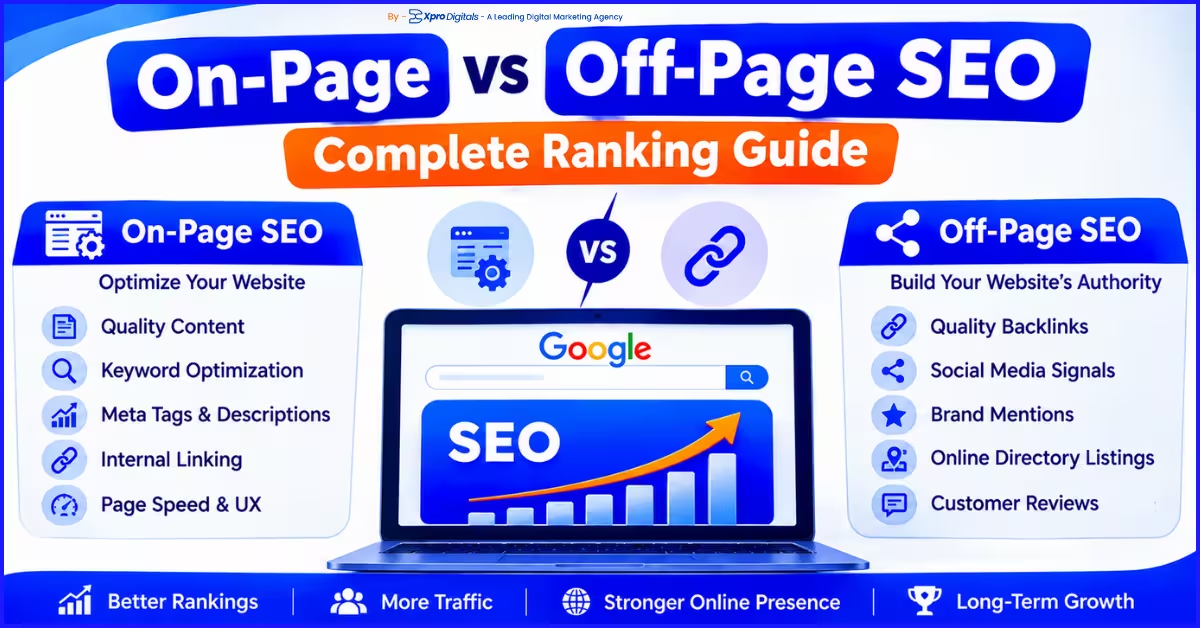
On-page SEO covers everything you do on your own website to improve rankings: content, title tags, headings, internal links, schema markup, and page speed. Off-page SEO covers everything that happens outside your website that influences rankings: backlinks from other sites, brand mentions, and for local businesses, Google Business Profile signals and local citations. Both are required for competitive ranking. On-page SEO ensures Google understands what your page is about. Off-page SEO ensures Google considers it trusted and authoritative enough to rank highly.
SEO Starter Checklist: Where to Begin on Any Website
Technical Foundation (Complete These First)
- Confirm HTTPS is active across the entire site (padlock icon in browser bar)
- Check that no important pages are blocked by robots.txt using Google Search Console
- Submit an XML sitemap in Google Search Console
- Run the site through Google PageSpeed Insights and fix pages scoring below 50 on mobile
- Verify that Google Search Console is set up and connected to your website
- Check Core Web Vitals report in Search Console for pages marked as “Poor”
On-Page SEO (Apply to Every Key Page)
- Write a unique title tag for every page with the primary keyword included
- Add a single H1 heading to every page with the primary keyword
- Check that content fully answers the search intent for the target keyword
- Add internal links from each page to 2 to 3 related pages on the same site
- Add descriptive alt text to all images
- Set a clean, keyword-containing URL for every page
Off-Page and Local SEO
- Claim and fully complete your Google Business Profile
- Check that your business name, address, and phone number match exactly on Google, your website, and major directories
- Set up a consistent process for requesting Google reviews after customer interactions
- Identify 2 to 3 industry publications or local news sites where guest posts or press mentions would be realistic to pursue
Final Thoughts: SEO Is a Long-Term Strategy Worth the Investment
SEO is not complicated in principle. Google wants to show the best, most relevant, and most trusted content to its users for every search. Your job with SEO is to make sure that the best answer is your page. To do that, you need content that genuinely serves the search intent, a technically healthy website that Google can crawl and understand, and a growing base of credible sources that endorse your content through backlinks and brand signals.
The businesses that see the best results from SEO are not the ones with the biggest budgets. They are the ones that start with a clear keyword strategy, build content systematically, fix technical problems as they arise, and keep adding genuine value over time. SEO rewards consistency and quality above all else.
If you are starting from scratch, use the starter checklist in this guide. Fix the technical foundation first. Optimize your existing pages for specific keywords. Publish new content that answers real questions your customers ask. Build local SEO signals if you serve a specific area. Measure with Google Search Console every month. Adjust based on what the data shows. The compounding effect of twelve consistent months of this process produces results that are genuinely difficult for competitors to replicate quickly.
Your Next Step: Open Google Search Console today. If it is not set up, set it up and verify your domain. If it is set up, go to Performance and look at which keywords your site already appears for. These are your starting keywords. Optimize your existing pages for the terms where you already have impressions but low click-through rate. That is where the fastest SEO wins usually are.
Frequently Asked Questions (FAQs)
SEO is the process of making your website more visible in Google search results without paying for ads. It involves writing good content that matches what people search for, building your site's reputation through links from other websites, and making sure your website is technically sound and fast to load. When done well, SEO brings a steady stream of free visitors to your website who are actively looking for what you offer.
For a full framework with headline and description templates, read our guide on how to write Google Ads copy that converts.
Google ranks websites based on three main factors: relevance (does the page match what the user searched for), authority (is the website trusted and respected by other sites that link to it), and page experience (is the website fast, mobile-friendly, and easy to use). Google uses over 200 specific signals across these three areas to determine which pages appear first in search results for any given query.
Yes. SEO can be learned and implemented by a motivated business owner or marketer. Google provides free resources including Google Search Console, Google Analytics 4, and the Google Search Central documentation to help you understand what is happening on your site and how to improve it. The learning curve is significant: full SEO proficiency takes years to develop. However, implementing the fundamentals of on-page SEO, technical health monitoring, and local SEO for a small business website is achievable without hiring an agency.
Blogging is one tactic within content SEO. A blog is a format for publishing content. SEO is the broader strategy that determines which content to publish, which keywords to target, how to structure that content, and how to build the authority needed for it to rank. You can blog without doing SEO (publishing posts with no keyword strategy), and you can do SEO without a blog (Optimizing existing service and product pages). Blogging is most powerful when it is guided by an SEO keyword and content strategy rather than published randomly.
At minimum, you need Google Search Console (free) and Google Analytics 4 (free). These two tools together show you what keywords your site ranks for, how much traffic each page receives, and where ranking or technical issues exist. For keyword research and competitor analysis, paid tools like Ahrefs, Semrush, or Moz provide significantly more data. For technical audits, Screaming Frog (free up to 500 URLs) is the most widely used crawler. Most small businesses can start with the free tools and add paid tools as their SEO programme matures.
Social media does not directly improve Google rankings. Social shares, likes, and followers are not ranking signals. However, social media helps SEO indirectly by driving content discovery, which can lead to backlinks from people who find and share your content. Social media also builds brand search volume as more people learn your brand name and search for it directly. Brand search volume is a positive authority signal. Social media profiles often rank in branded search results, giving you more control over your first-page presence when someone searches your company name.
The fastest ranking improvements typically come from fixing existing pages rather than creating new content. Check Google Search Console for pages ranking between positions 8 and 20 for valuable keywords. These are pages Google considers relevant but has not placed in the top results. Improve the title tag, strengthen the H1, expand the content to cover the topic more thoroughly, add internal links from related pages, and fix any technical issues. Pages in this "near miss" zone often move to page one within 4 to 8 weeks of targeted Optimization.
SEO and content marketing are closely related but distinct activities. Content marketing is the creation and distribution of valuable content to attract and retain an audience. SEO is the process of Optimizing that content (and the website hosting it) so it appears prominently in search results. Good content marketing without SEO often fails to generate organic traffic. Good SEO without quality content fails to convert visitors or build authority. The most effective strategies integrate both: content created with clear SEO keyword targets and Optimized to rank.
There are four common reasons. First, your website may not be indexed. Check by searching "site:yourdomain.com" in Google. If nothing appears, your site is not indexed. Second, you may have a robots.txt file or no-index tag accidentally blocking Google from crawling your pages. Third, your website may be too new. New domains can take 4 to 12 weeks to begin appearing in search results as Google builds confidence in them. Fourth, your pages may exist in Google's index but rank so low for all queries that you would have to browse many pages of results to find them. Use Google Search Console to diagnose which of these situations applies.
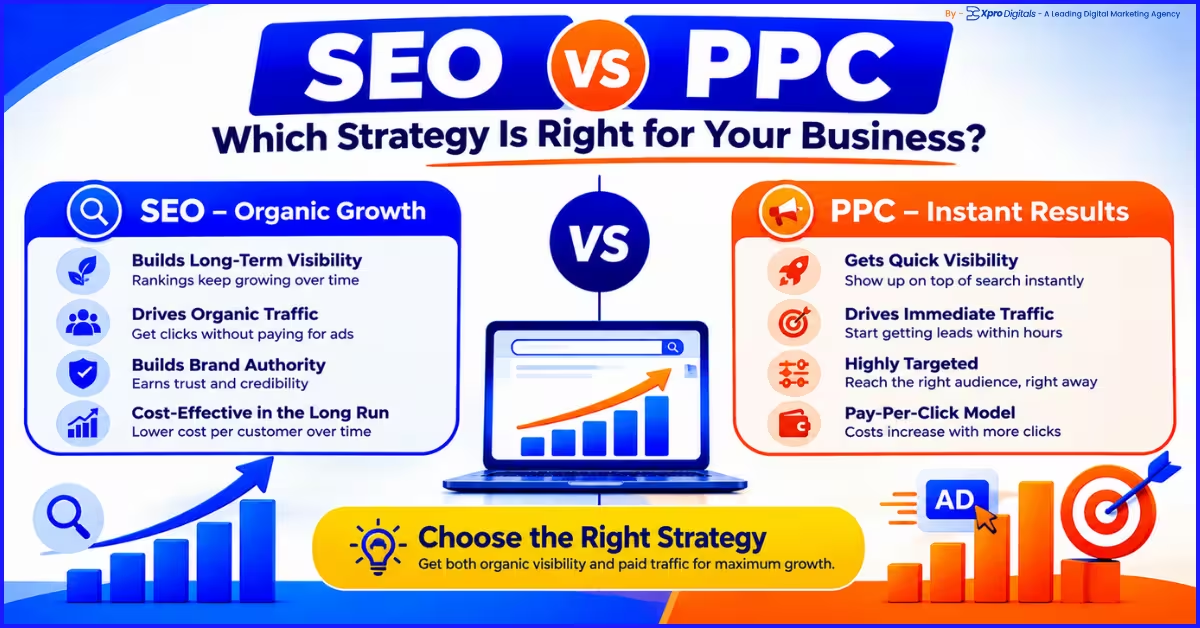
Both serve different purposes and timelines. SEO builds long-term, free organic traffic over 6 to 18 months. Google Ads delivers immediate paid traffic from day one but stops when spending stops. New businesses that need customers quickly should start with Google Ads while building SEO in parallel. Established businesses with existing revenue can invest more heavily in SEO for long-term cost reduction. Businesses in high-CPC niches like legal or insurance typically find SEO more cost-efficient at scale because the cost per click through organic is near zero once rankings are achieved.
SEO-effective content does three things well. It matches search intent precisely: the format, depth, and angle of the content matches what someone searching that keyword actually wants to find. It provides genuine value: it answers the query thoroughly and accurately, ideally drawing on real experience or data rather than generic information. It is structured clearly: headings organise the content logically, paragraphs are focused and concise, and information is easy to scan and extract. Google's Helpful Content system rewards content written primarily for the reader, not primarily for the algorithm.
Our Related Posts